
Use cases
- Job schedulingEvery server's jobs in one console
- Batch processingNightly and period-end runs on time
- Workload automationFlows that span many systems
- Event-driven automationStart jobs when files or data land
- PowerShell automationScripts with credentials, logs, alerts
- Data pipeline orchestrationSSIS, ADF, and Python in one flow
- Managed file transferSFTP, FTPS, and S3 as scheduled jobs
IntegrationsAll integrations
Scripting
Business apps
Data & reporting
Cloud & file transfer
JUMP Migration ToolAutomate most of your scheduler migration
Migrate fromAll migrations
Free & native tools
JUMPJUMP eligible: convert your jobs with a free Dry Run
Menu
JUMP Migration ToolAutomate most of your scheduler migration
JUMPJUMP eligible: convert your jobs with a free Dry Run
All migrations- Job schedulingEvery server's jobs in one console
- Batch processingNightly and period-end runs on time
- Workload automationFlows that span many systems
- Event-driven automationStart jobs when files or data land
- PowerShell automationScripts with credentials, logs, alerts
- Data pipeline orchestrationSSIS, ADF, and Python in one flow
- Managed file transferSFTP, FTPS, and S3 as scheduled jobs
Moving from cron to JAMS Scheduler doesn't mean starting over.
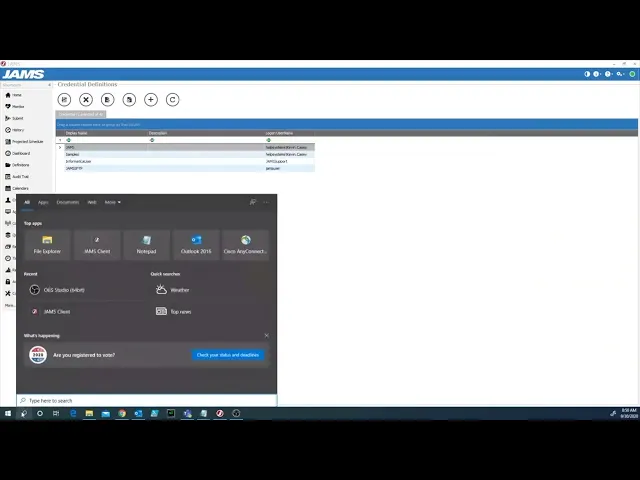
This tutorial walks through using the JAMS conversion utility to import your existing cron jobs, then reviewing the imported jobs and checking their schedules.