
JAMS AI · JAMS MCP
JAMS MCP: manage jobs from your AI coding tools
Query jobs, diagnose failures, and manage runs, in plain language, from Cursor, VS Code with Copilot, Claude Code, Claude Desktop, or Codex. JAMS MCP is a connector: it acts as you, with your exact permissions.
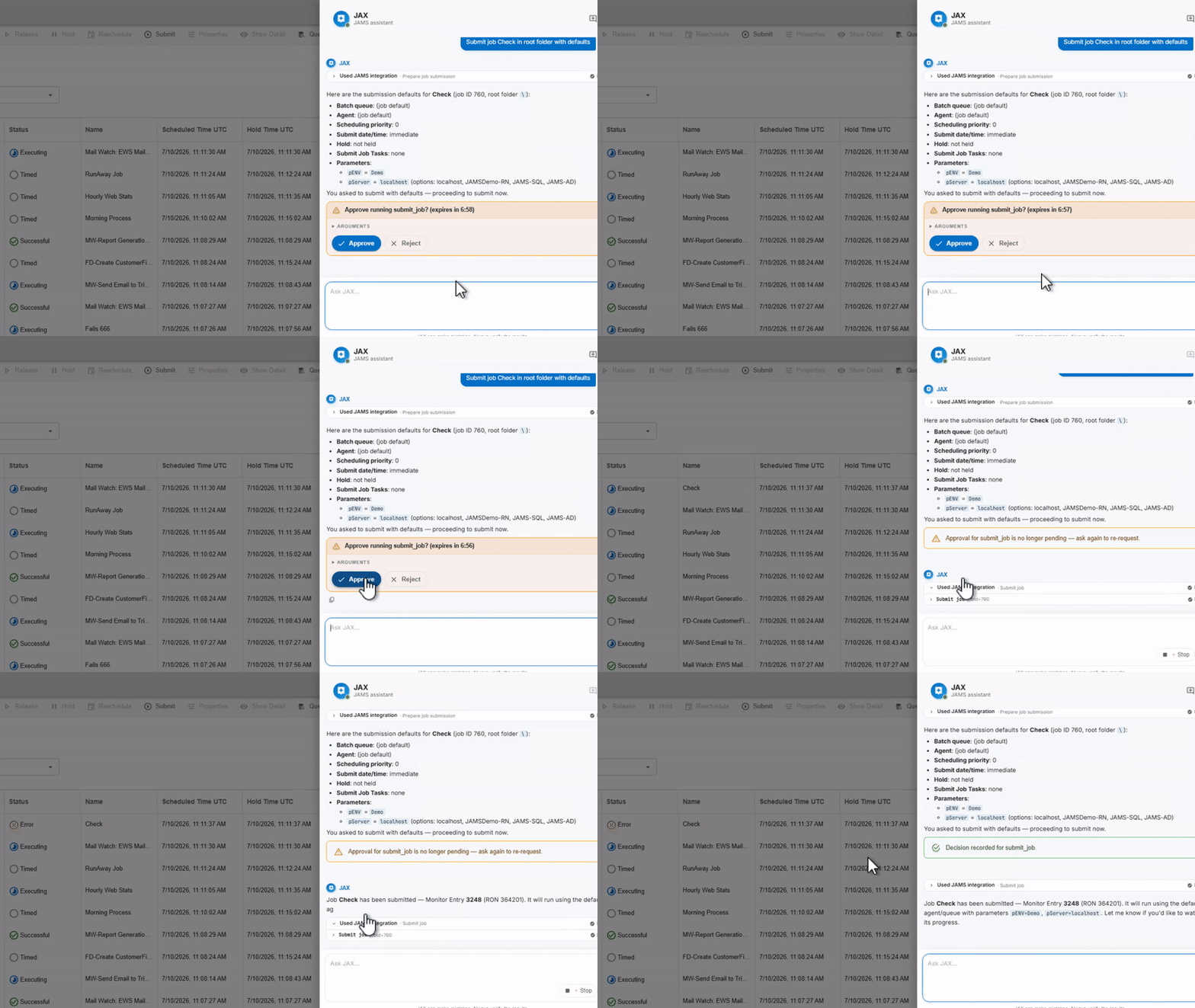
See a live job queried and managed from inside Cursor.

Stop leaving your tool to check one thing
A trivial question, did it run, what depends on it, why was it late, means leaving your editor, logging into another console, and losing the thread. JAMS MCP puts JAMS inside the tool you already live in.
A connector, not an agent
JAMS MCP is a connector built on the open MCP standard. It does not host a model, and it does not act on its own. Your AI coding tool calls JAMS through the connector, and JAMS does the work, only with your exact permissions.

What JAMS MCP can do today
Read
Find and inspect jobs, see what is running, and diagnose a failure, in plain language, from inside your tool.
Write
Submit a job, create a folder, and manage a run: hold, release, reschedule, or cancel. In the current release, it never edits or deletes the job behind a cancelled run.
Reports and dashboards
Pull job and run data into the reports and dashboards your team already uses, by querying JAMS directly from your own AI tools.
Coming in R3 — Roadmap
AI-assisted creation of new jobs and workflows from a plain-language description is on the roadmap for R3. It is not available today, and it will ship gated by the same approvals and permissions as everything else.
Acts as you, not above you
Every request through JAMS MCP runs as the signed-in user, with that user’s exact JAMS permissions. Reads flow freely. Every MCP operation is recorded in its own dedicated log, and changes made through the JAMS API land in the JAMS audit trail like any other change. Writes are logged, and your AI tool handles the confirmation prompt before anything changes; JAMS enforces identity and permission limits either way.
Works with the tools your team already uses
Cursor, VS Code with Copilot, Claude Code, Claude Desktop, and Codex connect the same way. Each client needs its own JAMS-side configuration, and the model is whichever one that client is already running.
Works with
Built for tool-native engineers
DevOps and platform engineers
Fit AI into the workflow you already have. Nothing new to stand up.
SRE and integration developers
Investigate sprawl across SQL Server, ADF, Airflow, SAP, JDE, and Banner, without leaving the terminal.
IT leaders
Full visibility into what AI touches, and permissioned control over it, at no extra cost.
Common questions, direct answers
Is JAMS MCP an AI model?
Can it create jobs or workflows from a description today?
Will it exceed a user's permissions?
Which tools are supported?
What does it cost?
Is everything logged?